

Appearance
REST API
Every Truetask workspace serves a REST API under /v1, with an interactive reference built from the live routes. Anything the app does, a token can do: boards, tasks, notes, forms, time entries, automations, agents and more.
Base URL and reference
| What | Where |
|---|---|
| Base URL | <workspace>/v1 |
| Interactive reference | <workspace>/v1/docs |
| OpenAPI document | <workspace>/v1/openapi.json |
| Alternative reference | <workspace>/v1/redoc |
Replace <workspace> with your own address, for example https://truetask.example.com. The reference is served by the instance itself, so it always matches the version you are running.
Authentication
Every endpoint takes a personal access token in the Authorization header:
Authorization: Bearer tt_...Tokens start with tt_. GET /v1/users/me is the credential test: it answers 200 with the token's user and 401 for a bad token.
A token carries the access of the person who created it. It sees the boards they belong to and nothing else, so revoking a teammate's board access narrows their tokens too.
Creating a token
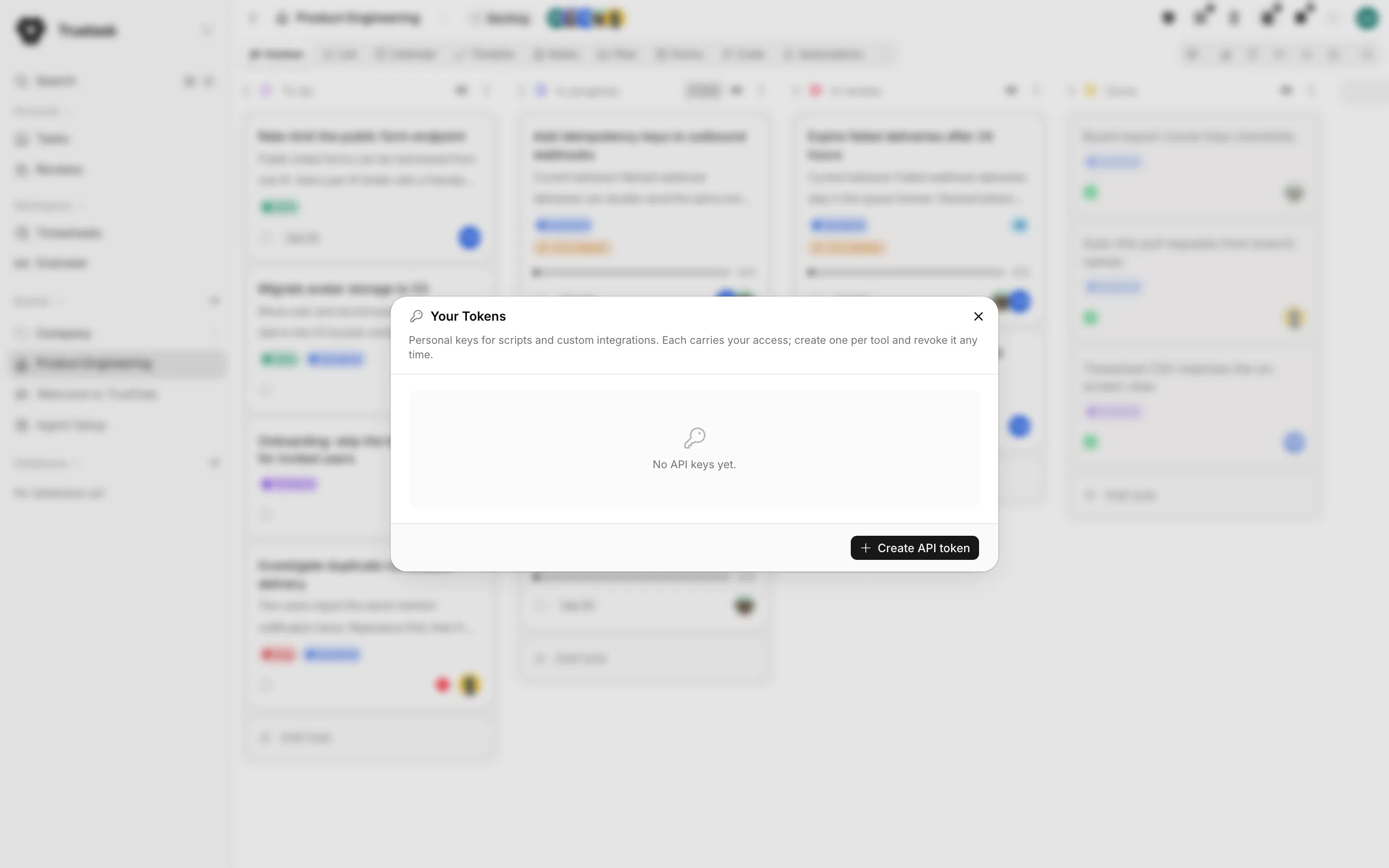
Open the App menu (the grid button before your avatar) and choose Tokens. Give the token a name, pick its permissions and, if you want it to expire, a date. The raw value is shown once, on the screen right after you create it, together with a ready curl command. Copy it then: Truetask stores only a hash and cannot show it to you again.
| Permission | What it allows |
|---|---|
| Read only | Every GET endpoint |
| Can edit (read & write) | Reads plus creates, updates and deletes |
Leave the expiration empty for a token that never expires, and revoke a token from the same dialog when a tool no longer needs it.
Workspace owners and admins can see every token in the workspace, with its owner, scope, last use and expiry, under Settings > Integrations > API Tokens. That pane can revoke any of them, which is how you cut off a tool when someone leaves. It also offers a third scope, Full Access, for a token that needs the admin-only endpoints; the personal dialog deliberately does not.
Truetask Cloud only
API tokens need a paid plan on Truetask Cloud. See Plans and billing. MCP is not gated this way: it works on every plan, so an AI tool can connect even where a raw token cannot.
Terminology
The API says card where the app says task. cards is the resource, card.description is Markdown, and a task's human key (for example DEVE-123) is a separate field from its record id. Endpoints that act on an existing task take the record id, not the key.
Resource families
| Family | Path |
|---|---|
| Boards, board statuses, templates | /v1/boards, /v1/board-statuses, /v1/templates |
| Lists | /v1/lists |
| Tasks | /v1/cards |
| Task templates | /v1/card-templates |
| Checklists | /v1/checklists |
| Comments | /v1/comments |
| Tags | /v1/tags |
| Folders and groups | /v1/folders, /v1/groups |
| Dependencies and entity links | /v1/dependencies, /v1/entity-links |
| Custom fields, values, rollups and formulas | /v1/xattr |
| Milestones | /v1/milestones |
| Notes, note folders and publications | /v1/notes, /v1/note-folders, /v1/note-publications |
| Forms, and the public submission route | /v1/forms, /v1/forms/public |
| Files | /v1/files |
| Time entries, approvals and billing rates | /v1/time-entries, /v1/timesheet-approvals, /v1/user-billing-rates |
| Users and saved filters | /v1/users, /v1/saved-filters |
| Search | /v1/search |
| Inbox | /v1/inbox |
| Automations | /v1/automations |
| Webhooks, incoming endpoints and signing secrets | /v1/webhooks, /v1/webhooks/incoming, /v1/signing-secrets |
| Git connections, repositories and resources | /v1/git |
| Agent runs, kickoffs and workflows | /v1/agent-runs, /v1/agent-kickoffs, /v1/agent-workflows |
| Pipelines | /v1/pipelines |
| Bulk operations and the workspace export | /v1/actions |
The reference at /v1/docs groups the routes the same way and documents every payload field.
Response shapes
Single-record endpoints wrap the record under the resource name, so extraction is always the same rule:
json
{ "card": { "id": "hho1u99k5u9e0az", "title": "Write the release notes" } }Endpoints that create several records at once extend the same envelope: creating a board returns board and lists, cloning one also returns tags and xattr_fields.
List endpoints return a page:
json
{ "page": 1, "perPage": 300, "totalItems": 412, "totalPages": 2, "items": [] }totalItems is the server total for the whole filter, not the number of rows in the page. Action endpoints (bulk operations, moves, the workspace export) return their own summary, described on the route.
Paging, sorting and relations
pageandper_pagewalk the pages.sortnames a field, with a leading-for descending, for examplesort=-created.expandpulls related records inline instead of making you fetch them one by one, for exampleexpand=tags,members,priority.
Expanding is how you avoid the N+1 trap: ask for the relations you need in the same call.
Filtering
Most list endpoints take a filter string. The grammar is the same one the MCP tools use:
- Operators:
=,!=,>,>=,<,<=,~(contains),!~(does not contain). - Strings are double-quoted:
name="alice". Booleans are lowercase literals:archived=true. Numbers and dates compare directly:position>1000,created>="2026-01-01". - Combine with
&&and||, and parenthesize to group:(completed=false && priority="<id>") || archived=true. - Traverse relations with a dot:
card.board="<id>",board.members~"<user_id>". - Multi-value fields (members, tags, watchers, files) test membership with
~:tags~"<tag_id>"means the task carries that tag. - Negate with
!field="value"orfield!="value".
Some list endpoints also take purpose-built parameters that are easier than a filter. GET /v1/cards, for example, takes board, completed, archived, trashed, state (a list of flow categories), assignee (me, mine, watching, none or a user id) and team.
Never build a filter by pasting user input
A filter is a query language, not a search box. Quote and escape anything that came from outside your script before it goes into a filter string.
Examples
List your boards:
sh
curl -H "Authorization: Bearer $TRUETASK_TOKEN" \
  https://truetask.example.com/v1/boards/
Create a task:
sh
curl -X POST https://truetask.example.com/v1/cards/ \
  -H "Authorization: Bearer $TRUETASK_TOKEN" \
  -H "Content-Type: application/json" \
  -d '{
        "title": "Write the release notes",
        "board": "xo300z2ghk3gxkg",
        "list": "bbuh7ij16ee9rei",
        "description": "Cover the import changes and the new webhooks."
      }'
The response is {"card": {...}} with the stored record, including its generated key and id.
Retrying a create safely
POST /v1/cards/ accepts an idempotency_key. A repeat create with the same key on the same board returns the task that already exists, flagged existing: true, instead of a duplicate.
json
{ "title": "Nightly report", "board": "xo300z2ghk3gxkg", "idempotency_key": "nightly-2026-09-22" }Give each item its own stable key so a cron job or a webhook retry that runs twice is a no-op. Keys are scoped per board, and trashing a task frees its key.
Bulk operations
Changing many tasks one call at a time is slow and noisy. The bulk routes under /v1/actions do it in one request:
| Endpoint | What it does |
|---|---|
POST /v1/actions/bulk-update-cards | Update fields on many tasks |
POST /v1/actions/bulk-move-cards | Move many tasks to a list |
POST /v1/actions/bulk-complete-cards | Complete or reopen many tasks |
POST /v1/actions/bulk-archive-cards | Archive or unarchive many tasks |
POST /v1/actions/bulk-manage-members | Add or remove assignees |
POST /v1/actions/bulk-manage-tags | Add or remove tags |
POST /v1/actions/bulk-set-priority | Set or clear priority |
POST /v1/actions/export-workspace | Export the whole workspace as JSON |
Notes have their own: POST /v1/notes/bulk-update.
Assignment is not membership
Assigning someone to a task does not give them access to its board. Add them to the board as well, or they will not see the task at all. See Members, roles and teams.
Rate limits
Self-hosted only
Rate limiting is a PocketBase instance setting, driven by POCKETBASE_RATE_LIMIT_ENABLED in your .env. The setup script turns it on by default; the shipped Compose file falls back to off when the variable is missing. Turn it on for an instance that is reachable from the internet.
Two limits are enforced by Truetask itself regardless of that setting, both on incoming endpoints: 120 requests per minute per endpoint and sender, and a 1 MB body (25 MB for an endpoint that accepts files). See Webhooks.