

Appearance
Branches, issues and pull requests
When a board has a linked repository, every task on it gets a Code tab. That tab is where a task meets the code: the branch you work on, the issue that tracks it, and the pull request that closes it.
The Code tab
Open a task and switch to Code. It lists, in order, the task's pull requests, its issues, its references, and the commits that mention it. Each row shows the state, the review state, the CI badge, the number, the branch and the author.
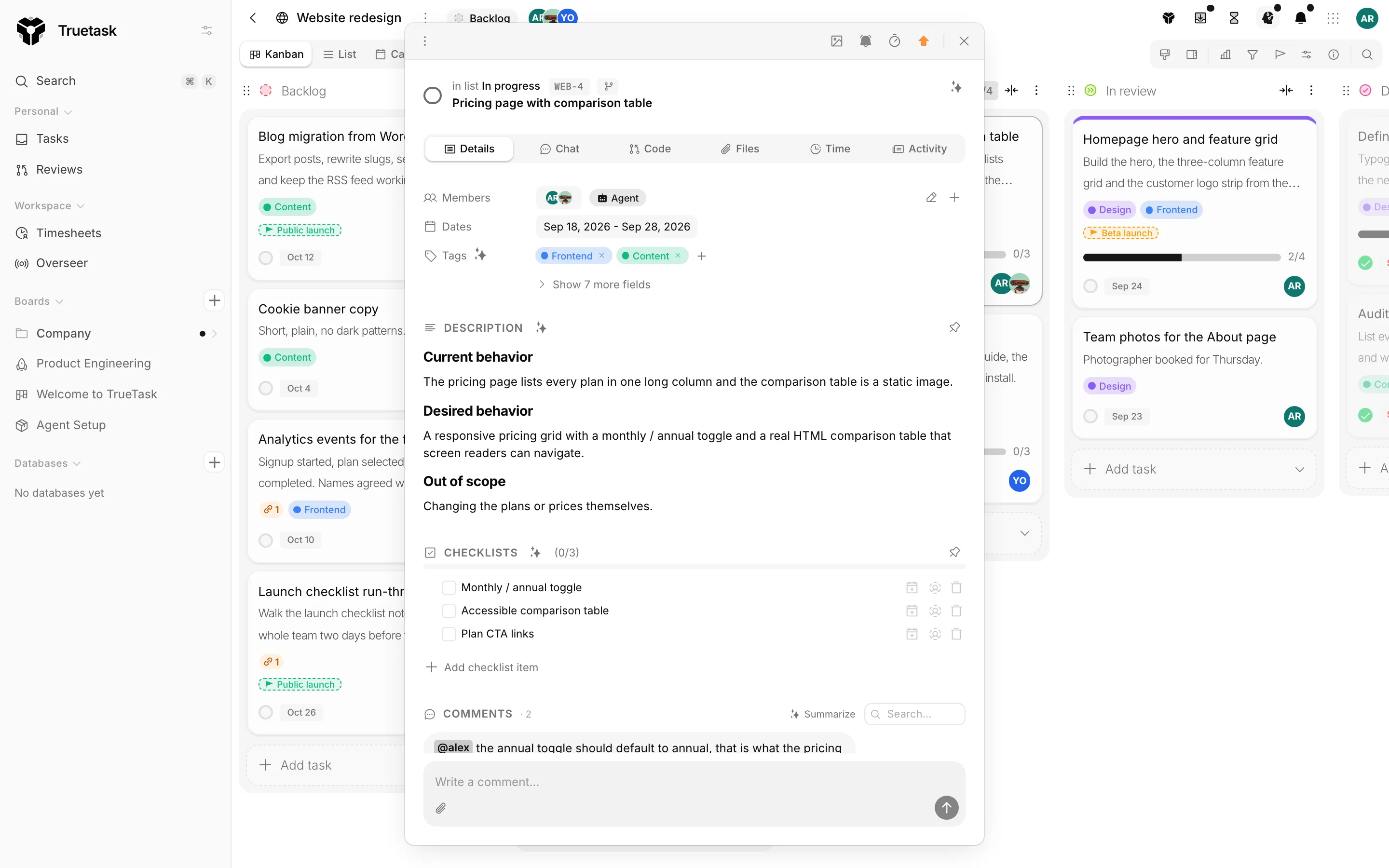
The action bar at the top carries three things:
| Action | What it does |
|---|---|
| Create issue | Opens a composer and creates the issue on the provider, already linked to this task. |
| Create branch | Creates the branch on the provider and copies its name to your clipboard. |
| Open PR | Opens a draft pull request from the task's branch and opens it on the provider. |
The caret next to Create issue offers Link issue or PR and Reference issue or PR, which attach something that already exists.
Every row has a dots menu: Convert to reference or Convert to link, and Unlink from this task or Remove reference.
Branch names
The branch name comes from the workspace's branch template. The default is {user}/{key}-{title}, which produces something like yopisso/dev-123-fix-the-login-bug. An admin can change the template in Settings > Integrations > Git Provider; see Connect a repository.
There are two ways to get one:
- The branch pill next to the task key in the task header copies the name without touching the provider.
- Create branch on the Code tab creates it on the provider and copies it too.
The issue composer
Create issue opens a composer with a title, a description, and the provider's own options: labels, assignees and milestone. The title and description are prefilled from the task. The new issue is linked to the task, and the task's tags are added as labels when the repository has label mappings.
Linked or referenced
Everything attached to a task is attached in one of two kinds, and the difference matters.
| Linked | Referenced | |
|---|---|---|
| Meaning | The work is this task | Related context only |
| Merging the pull request | Completes the task | Does nothing |
| Closing the issue on the provider | Completes the task | Does nothing |
| Automation triggers | Fire | Do not fire |
| Auto-assign from PR author | Applies | Does not apply |
Completing a task closes its linked open issues when the repository has Close linked issues when a task is completed turned on. Linked pull requests are left for you to merge or close, and references are never touched.
Linking without leaving your editor
Truetask reads task keys out of the text that flows in from the provider, so a pull request usually links itself.
| What you write | What happens |
|---|---|
A closing keyword plus the key, such as Fixes DEV-123, Closes DEV-123 or Resolves DEV-123 | The item is linked to that task |
A branch named after the key, such as you/dev-123-fix-login | The pull request is linked to that task |
A bare mention of DEV-123 in a title or body | The item is referenced |
skip DEV-123 or ignore DEV-123 | That key is left alone |
| A key in a commit message | The commit is linked and appears under Commits |
Keys are matched against the board's own key prefix, so a key from another board does not attach here.
What the provider sends back
The repository's webhook keeps the task current without a refresh.
- Merging a linked pull request completes every task it is linked to, and moves it to the board's first done list if it is not in one already.
- Closing a linked issue on the provider completes its linked tasks the same way.
- Review events update the review state shown on the row.
- Labels you map to board tags land on the task when it is linked or promoted.
- With Auto-assign from PR author on, the author's mapped Truetask user is added to the task.
Anything beyond that is an automation, not a built-in. The starter set installed with the repository covers moving a task to In progress when a pull request opens, moving it back when a review requests changes, commenting when CI fails, and moving a task back to Open when its issue reopens. See Connect a repository and Automations.
The CI badge and merge gating
A pull request row carries a CI badge whenever the repository's merge gate is on, or whenever CI has reported at all.
| Badge | Meaning |
|---|---|
| CI passed | Checks are green. |
| CI pending | Checks are still running. |
| CI failed | Checks are red, and the repository's gate is off. |
| CI blocked | Checks are red and the gate blocks merging. |
| CI unknown | Nothing has reported yet. |
The gate itself is per repository, in the Code view's repository settings: Off, Block failed CI, or Block failed or pending CI, with an optional Admin bypass. When a merge is attempted through the API or an automation while the gate is blocking, it is refused unless the repository allows a bypass and the person is a board admin. The badge's tooltip says which of those applies.
Truetask does not merge from the task frame. Merging happens on the provider, in an automation, or through an agent using the git tools over MCP.
Self-healing
Opening the Code tab reconciles the task's linked issues and pull requests against the provider in the background. Items deleted upstream disappear, and states, labels and reviews refresh. The list you already have shows first, so nothing blocks.