

Appearance
Cloud workspaces Cloud
Truetask Cloud is the hosted way to run Truetask. It is the same product as a self-hosted instance, with the server work done for you.
One workspace, one instance
A Cloud workspace is not a tenant inside a shared database. Each workspace runs as its own isolated instance, with its own database, its own subdomain and its own scoped credentials. Nothing is co-mingled with another customer's data.
You get the workspace by signing up at truetask.io. Provisioning is automatic: the workspace, its subdomain and its first owner account are created for you, and you sign in and start.
What an administrator sees differently
Settings is the same dialog, with a handful of panes swapped or hidden. See Settings overview for the full rail.
| Pane | On Truetask Cloud |
|---|---|
| Plan | Present. Current plan, limits, add-ons and billing. See Plans and billing. |
| License | Not shown. There is no license key to activate. |
| SMTP | Not shown. Truetask sends your mail. |
| Backups | Not shown. Truetask takes them. |
| S3 Storage | Not shown. Storage is provided. |
| Data Retention | Not shown. Retention is managed. |
| Network | Not shown. Outbound access is already configured. |
| Unsplash | Not shown. |
Everything else is identical, including OAuth2, Active Directory, the audit log, sessions, logs, export, webhooks, API tokens and the git provider connection.
Truetask AI is included
A Cloud workspace already has a managed model called Truetask AI. No API key, no provider account, no setup: enable it in Settings > Integrations > AI and it works. Every plan carries a monthly allowance, and the AI pane shows how much of it is used.
You can still connect your own provider on a paid plan if you would rather run AI through your own account. See AI settings.
MCP works on every plan
Connecting an external AI tool through the Model Context Protocol is never gated. Every Cloud plan, including Free, can issue MCP credentials and connect Claude Code, Cursor, Codex and the rest. See MCP.
Hibernation on the Free plan
A Free workspace sleeps after 48 hours without activity and wakes when you sign in. Waking is automatic and nothing is lost.
Schedules and a sleeping workspace
While a workspace is asleep, a scheduled automation can run late or be skipped. The automation builder says so on the schedule trigger when it applies to you. A paid plan does not hibernate.
Your data stays yours
Settings > Server > Export downloads the whole workspace as a ZIP: every board, task, list, tag, user, comment, checklist, time entry, workflow, custom field, folder and file attachment. It is available on Cloud like anywhere else, with no plan gate. See Exporting.
Trying the paid features
A Free workspace that has not used its trial yet shows a small card at the bottom of the sidebar: Try every feature, free. Owners and admins see it; members never do.
Activating it unlocks every feature for the trial period with no credit card. It is available once per workspace, and when it ends the workspace returns to Free automatically with nothing charged. The confirmation dialog states the length before you commit.
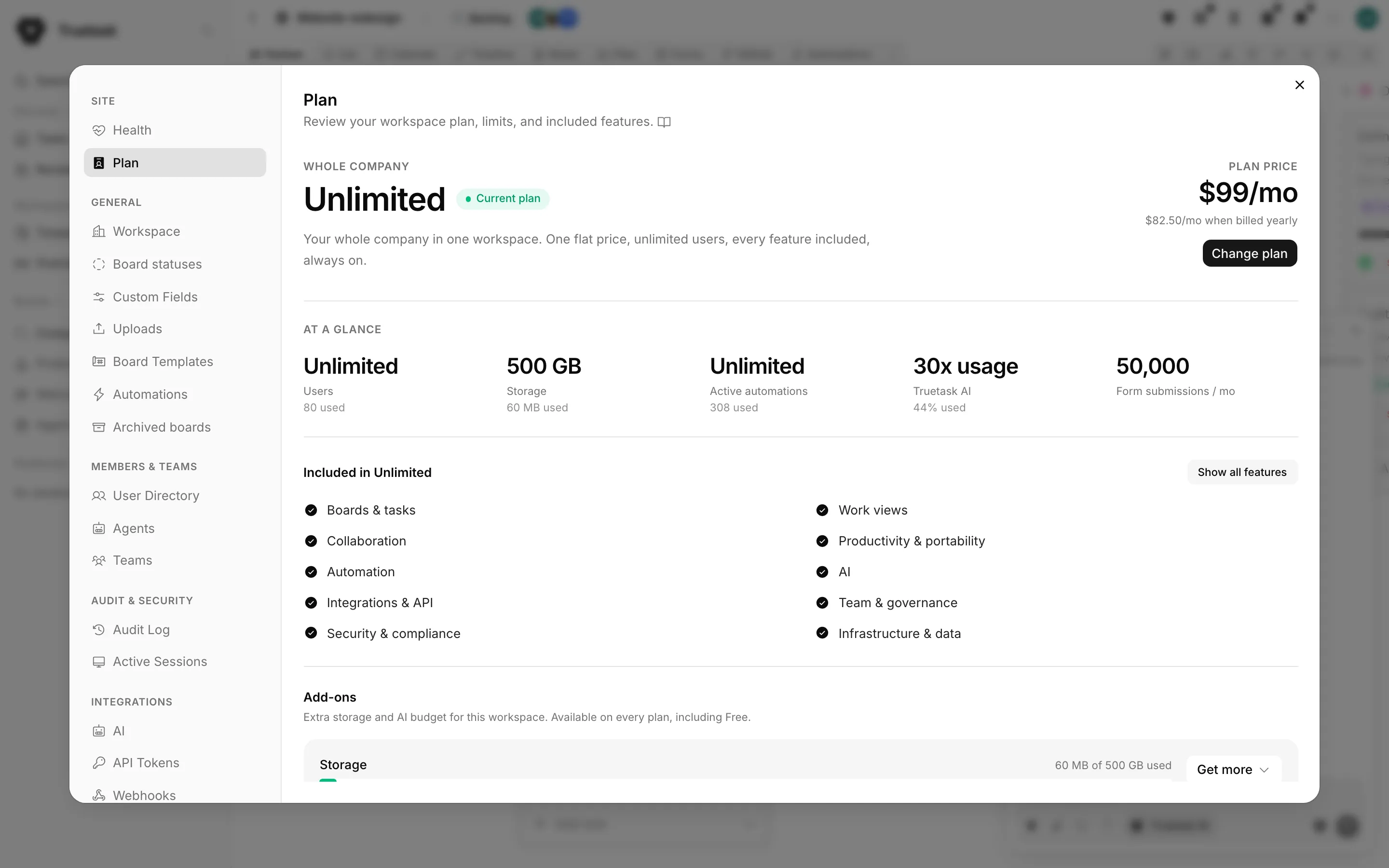
Dismissing the card hides it, and a later limit hit brings it back. While a trial is running, the card becomes a small chip showing the days left, which opens the Plan pane.